Japan Expat Home Setup — PC, Internet & Phone
Let eSolia get you sorted
On this page 8
Be Prepared
- Software installers
- Software license numbers
- Any needed passwords
- Data is backed up
A Stranger in a Strange Land?
If you're new to Japan and its language, or even if you're simply not so confident about dealing with Japan telecomm carriers or your building superintendent, eSolia's bilingual IT professionals can help get you sorted. We have been in business since 1999, and can help you with setting up new or replacement computer systems at your new home in Japan.
Setting up an office, not a home? For business network infrastructure — firewalls, switches, Wi-Fi, structured cabling, and server rooms — see our IT infrastructure services or office move IT support.
eSolia specializes in setting up new or replacement systems — we do not diagnose or repair faulty hardware. For repair services in Japan with English support, try:
- • PC Dock 24 — Repair chain with locations in Shinjuku, Shibuya, and more
- • PC Rescue 99 — On-site and carry-in repairs in Tokyo
- • Aladdin Lamp — Ikebukuro, Toshima-ku
If you need a new or replacement system set up, configured, or migrated, we are happy to help.
How We Work
We deliver expat home setup as part of an existing support relationship — not as a one-off call-out. In practice, that means we arrange it through your employer: if your company already has an IT support arrangement with eSolia, your home setup can be folded into it. That's usually the smoothest route in any case, since we already know your environment and the account.
Why the relationship first? Because it's what lets us do the job properly — source the right equipment, liaise with carriers and building management on your behalf, complete the installation, and stand behind it afterward. A home setup is rarely "finished" at the door, and the support arrangement is what keeps us accountable when you need a follow-up down the line.
If you don't yet have that arrangement in place, reach out and tell us your situation. Our team's capacity is committed to our support clients, so we take on setups selectively — but we'll let you know whether we can help, and if we can't, we'll do our best to point you in the right direction.
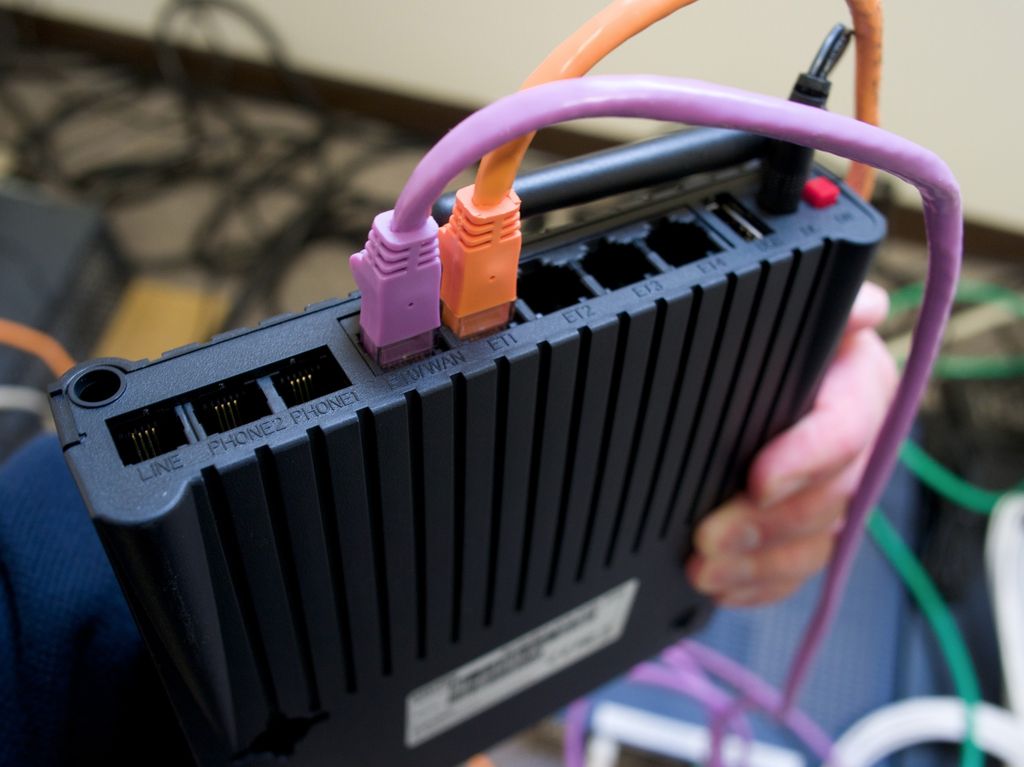
Professional home IT setup for expats relocating to Japan.
Photo: eSolia Inc.
eSolia Home Computer System Services
eSolia's bilingual engineers handle everything from coordinating with NTT and your building management in Japanese to configuring your devices and VPN.
Basic Setup Services
Internet and Phone Line Coordination
- Coordination for Internet Line or Phone Line installation
- Liaison with Japanese telecom carriers and building management
- Router, firewall, and WiFi access point configuration
Equipment Sourcing and Installation
- Source various equipment such as Macs, PCs, Printers, WiFi devices, Routers, Firewalls, Displays, or other peripherals
- Basic system setup to connect Mac or PC to printer, WiFi, Internet or other peripherals
- Installation of your licensed software
Data Migration and Customization
Data Transfer and Migration
- Transfer and migration of data from your old to new system
- Documents, bookmarks, photos, music, email and so on
- External hard drive and cloud storage setup
Custom Configuration
- Arranging automatic startup for specific apps
- Settings for software such as anti-virus or email
- Arranging "resource sharing" for printers
- Corporate VPN connection setup
- Advanced system setup activities such as hard disk encryption
Maintenance and Support
Ongoing Support (for systems we set up)
- Follow-up support for systems configured by eSolia
- Software updates and security patch guidance
- System health check and recommendations
Training and Support
- Basic 15-minute "system walkthrough" training
- Basic operation instruction
- Security advice and best practices
- Consultation session to address your specific questions
Time Requirements and Costs
Standard Work Duration
A full setup for a new system typically takes 3 or 4 hours, but it depends upon what you require and what options you would like us to implement. We can give a time and cost estimate we define the scope of work with you.
Factors Affecting Work Time
Geographic Considerations
- We are based in Tokyo, so there is cost associated with requesting us to travel to areas outside the Greater Tokyo area
- Multiple visits naturally cost more than a single visit
Preparation Status
- Have your software installers, license numbers and any needed passwords ready, so that the work may proceed smoothly
- For downloadable software, it is more time-efficient to have already downloaded the installer files, especially in the case of a large file like MS Office
Scope Changes
- Data transfers from older source systems may take additional time
- Adding tasks to the work order during the visit will cause delays
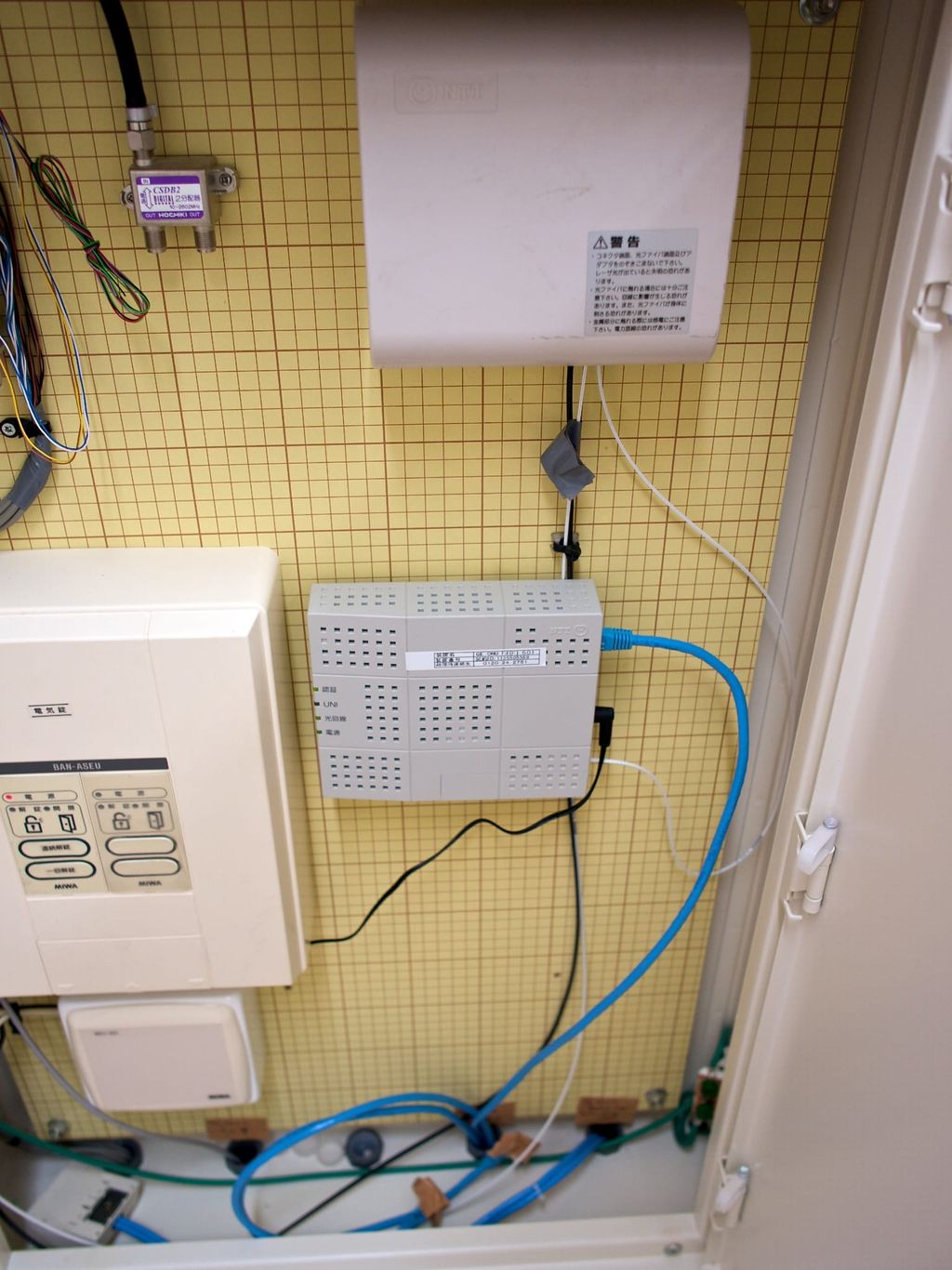
Wi-Fi and network configuration tailored to your home environment.
Photo: eSolia Inc.
Why eSolia
We've been doing home setups for expats in Japan since 1999 — over 27 years. A few things that make a difference:
We speak the language — literally. Setting up Internet in Japan means calling NTT or SoftBank, navigating your apartment building's wiring situation with the management company, and scheduling technician visits. All of that happens in Japanese. Our engineers handle it so you don't sit through a 40-minute phone call you can't understand.
Japan's ISP system isn't like home. You typically need two separate contracts — a line provider (NTT Flet's, au Hikari) and an ISP (OCN, So-net, etc.). Your apartment building may restrict which providers you can use. Installation wait times run 2–4 weeks. We know the carriers and the quirks, and we'll get you connected as fast as the system allows.
We see the setup through. A typical setup runs 3–4 hours, and we scope it with you beforehand so you know what's involved — a line that hasn't been installed yet, or a migration from an older machine, can mean additional visits. We source the hardware, configure your network, install your software, set up your printer, connect your VPN, and walk you through the basics before we go. And because the work sits inside your company's support arrangement, a follow-up later comes to us — not a Japanese-only support line.
Frequently Asked Questions
Can you provide support in English?
Can you help with equipment purchasing?
Do you provide support after installation?
Do you service areas outside of Tokyo?
Can you fix my broken laptop or desktop?
Does my company need to be an eSolia client?
Common Setup Scenarios
New Arrival Setup
- Complete home office setup for professionals relocating to Japan
- Integration with company systems and VPN access
- Printer and scanner configuration for home office needs
Family Computer Setup
- Multiple user accounts with appropriate restrictions
- Parental controls and content filtering
- Shared printer and storage configuration
Executive Home Office
- Professional remote work setup with corporate VPN and security
- Multi-monitor and video conferencing configuration
- Secure document handling and encrypted storage
Small Business Setup
- Professional grade equipment selection
- Security hardening and backup solutions
- Multi-device network with business-grade WiFi
Contact Us
If your employer already has a support arrangement with eSolia, ask them to bring us in — we'll scope the work and give you a time and cost estimate. If not, contact us with your situation and we'll let you know whether we can take it on.